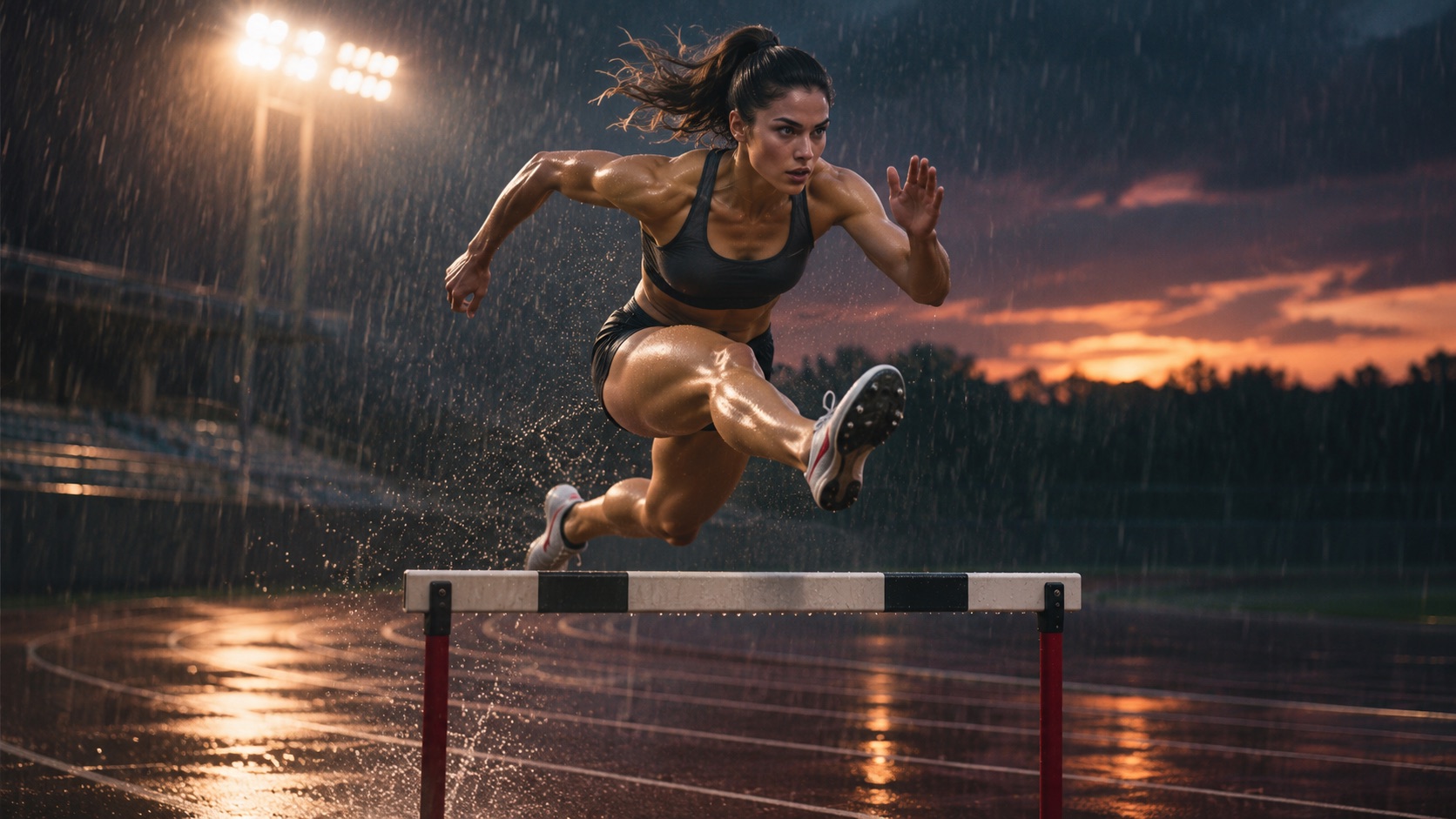

A skateboarder lands a trick, a dancer changes direction, or a cyclist speeds past the camera. Each scene asks an AI video model something different. In a Seedance 2.0 vs Kling 3.0 comparison, the useful question is which model gives you the movement and control your shot needs. Look at the complete action, how people interact with objects, and what happens when the camera moves. A dramatic opening frame is only useful if the rest of the clip holds up.
Seedance 2.0 vs Kling 3.0 for Action Video
Try Seedance 2.0 when you have a reference clip showing the movement you want. Its motion and camera reference features let you show the action instead of describing every detail, such as dance rhythm or a moving camera path.
Try Kling 3.0 when your shot depends on keeping a person’s outfit, appearance, or props consistent. Its character and object reference features help you guide those details with images or video.
For a scene built from text alone, give both models the same short description. Name the movement, the camera position, and how the action ends. Choose the clip that follows all three instructions.
Seedance 2.0 vs Kling 3.0: Action Test Results
We compared Seedance 2.0 and Kling V3.0 Pro in our five-scene pilot, generating one clip per model for each scene. Here’s how the ten clips performed.
Test Setup and Review Criteria
We used the same text prompt for both models in each scene, with the following test settings:
Test date: November 10, 2026
Seedance model: Seedance 2.0
Kling model: Kling V3.0 Pro
Duration: 5 seconds
Resolution: 720p
Aspect ratio: 9:16
Attempts: 1 per model per scene (10 clips total)
Each scene had a specific check: finish the movement, keep contact believable, preserve each person’s body and clothing, or keep the action visible during tracking.
For your own comparison in AKOOL’s video generation tool, keep the prompt and shared settings unchanged when switching models.
Results and What They Mean
In our five-scene pilot, Seedance 2.0 had a slight edge in following instructions: it completed the requested single jump once, while Kling V3.0 Pro added a second jump. In the other four tests, we observed no clear difference on the checks below.
| Scene | Seedance 2.0 | Kling V3.0 Pro |
|---|---|---|
| Run, turn, and stop | No sliding or turn distortion; stopped normally | Same result |
| Jump once and land | One jump; landed on both feet and stood steadily | Two jumps; both landings normal |
| Catch a basketball | Successful catch; ball did not pass through hands, change shape, duplicate, or disappear | Same result |
| Two people crossing | Both people, clothing, limbs, and movement directions remained normal | Same result |
| Side tracking | No body distortion, movement out of frame, or omitted action | Same result |
For a shot that needs exactly one jump, Seedance 2.0 was the closer match in this test. Both models met our checks in the other four scenes. This five-scene pilot covers one output per model for each scene; the better choice for your own shot still depends on the action and controls you need.
Can the Model Finish a Run, Turn, or Jump?
To check body movement, break the action into a beginning, middle, and ending. That makes missing steps easier to spot.
Acceleration, Direction Changes, and Stops
Imagine a skateboarder pushing off, carving around a cone, and slowing down. During the turn, both feet should stay planted on the board.
Watch the turn closely. Do the shoulders, hips, and board change direction together? Does the rider lean into the curve, or does the body suddenly twist?
Use a fixed camera to inspect the movement first. Once the action looks right, add a following camera if the finished video needs one.
Takeoff, Airborne Motion, and Landing
For a parkour shot over a low obstacle, leave enough time for the person to approach, clear it, land, and recover.
Follow the feet through the whole sequence. A model may produce an attractive airborne pose, but cut away before touchdown. If the landing is the point of your shot, keep it visible.
Also check the ending. The person should settle into a position that makes sense for the movement you requested.
Contact Is Where Convincing Action Often Breaks
An action can look smooth while the interaction looks wrong. Hands need to meet objects, and people need to keep their own limbs when they move close together.
Hands, Props, and Weight Transfer
Consider someone lifting a suitcase from the floor. Check that the fingers close around the handle before the case rises. The hand and handle should stay connected as the weight moves.
Then watch the person’s stance. A heavy-looking case should not float upward while the person’s arm and body remain completely still.
For a clearer shot, keep the handle, hands, and suitcase visible together. A close crop that hides the grip makes it harder to tell if the interaction works.
Crossings and Two-Person Movement
In a dance duet, one performer may briefly move behind the other. After they separate, each should retain the same clothing, body shape, and direction of movement.
Watch the overlap itself for an arm that disappears or seems to attach to the wrong person. If the shot is difficult to read, give the performers more space or request less overlap.
When the Camera Moves, Does the Action Stay Readable?
A tracking shot follows a moving subject. It can make a cycling scene feel energetic, but the rider and bike must remain clear throughout the move.
The Same Action With a Static and Tracking Camera
Describe a cyclist riding along a straight path. Generate one version with a fixed camera and another with the camera moving alongside the bike.
Keep the rider’s action unchanged. Compare the hands on the handlebars, feet on the pedals, and wheel position. This helps you spot errors introduced when subject movement and camera movement happen together.
Keep the version where the rider stays connected to the bike throughout the shot.
Motion Blur Versus Lost Detail
Some blur is expected when a cyclist passes quickly. The rider’s body should still make sense before and after that blur.
An extra leg, a wheel that changes shape, or a hand that merges with the handlebar is a different problem. Review the clip at normal speed, then pause around the unclear moment to inspect it.
When Both Models Struggle, Simplify the Action
A busy prompt can make it hard to identify what caused a failed shot. Reduce the number of things happening at once, then add them back gradually.
| Problem | Revision to Try |
|---|---|
| The movement ends too early | Request fewer action steps |
| The body twists during a turn | Use a gentler direction change |
| A hand loses contact with a prop | Simplify the interaction and keep it visible |
| Tracking loses the subject | Confirm the action with a fixed camera first |
| Two people merge during an overlap | Increase the space between them |
Change one main instruction per retry. Keep the earlier clip so you can judge what improved.
Choose by the Shot You Need to Keep
Make your Seedance 2.0 vs Kling 3.0 choice around the part of the scene you cannot afford to lose. For a sneaker ad, that might be a clear view of the shoes during a pivot. For a luggage demonstration, it might be a hand staying around the handle as the case is lifted.
Write that detail into the prompt and keep it visible in the frame. If you plan to use your own reference footage, check the available model controls for video input, clip length, resolution, and frame shape before uploading it.
Review the output at normal speed before pausing to inspect details. If you need to cut away before the key movement finishes, revise the shot or try the other model.
Turn One Action Brief Into Your Next Clip
Describe one complete movement, choose a camera position, and generate a short clip you can review from beginning to end. When comparing models in AKOOL, use matching inputs and settings so the differences are easier to understand. Keep the version that completes the action, maintains contact, and leaves the person clearly visible. Add more complex interactions or camera moves only after the basic shot works. That gives each revision a clear purpose.