AI Image Generator With Every Top Model in One Place

AI Image Generator With Every Top Model

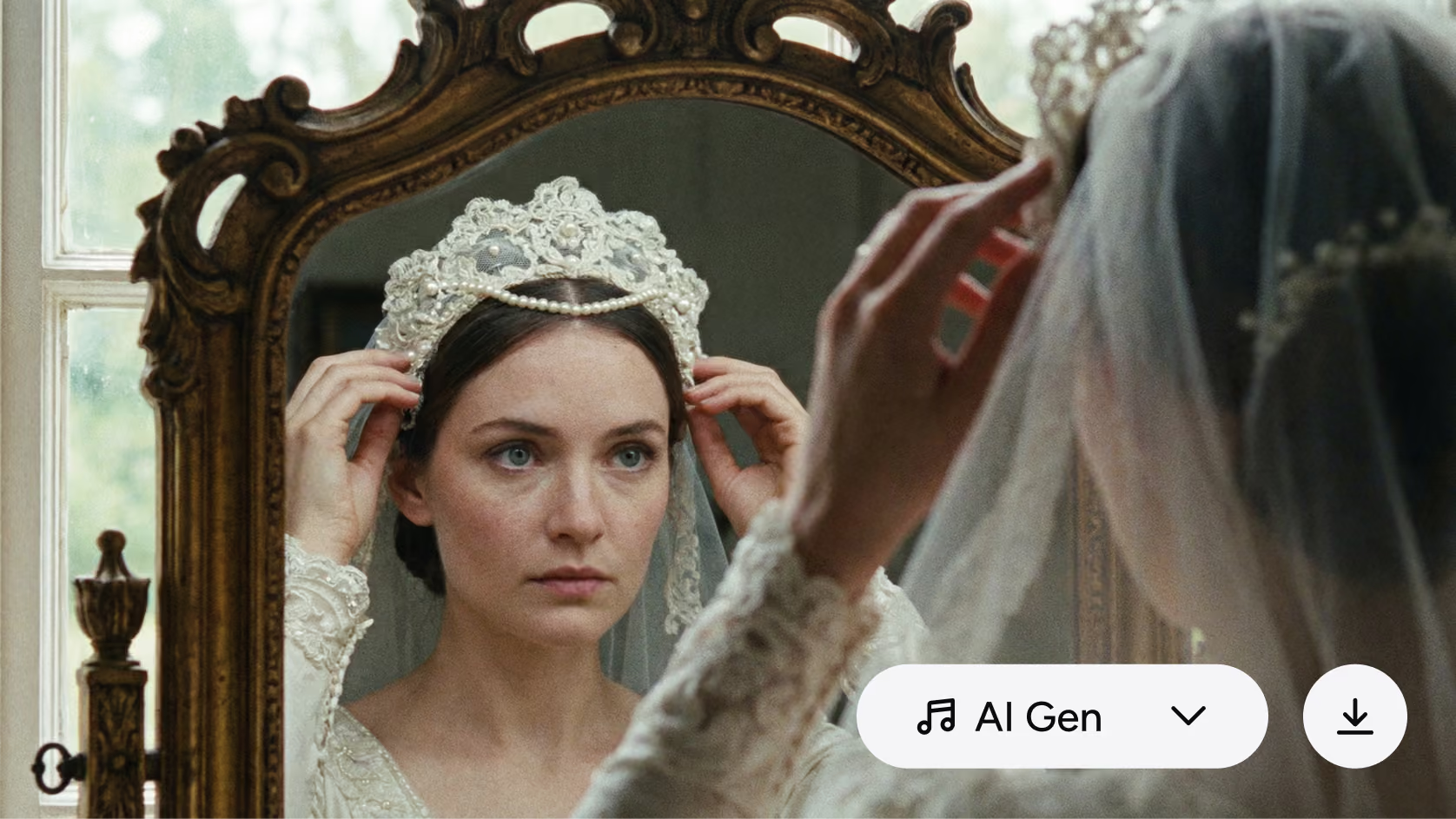
Turn a prompt or a photo into a finished image. Nano Banana Pro, Seedream 5.0, Flux and GPT Image 2. One workspace, one set of credits.

Create images from a prompt or a photo with Nano Banana Pro, Seedream 5.0, Flux and GPT Image 2.

Generate an image from text or a photo using AI...
Ranked #1 on Inc 5000
|
G2
4.8/5 G2 Rating
|
Millions Of Creator Worldwide
Featured models

Match the model to the shot

Choose a creative direction first, then keep every output inside one project.
From idea to finished image

How to make an AI image in four steps

STEP 1
Pick your model
Choose from every top image model, or let AKOOL suggest the right one for your shot.
Pick your model
STEP 2
Prompt or upload
Describe the image, or upload a photo to guide pose, colour and composition.
Prompt or upload
STEP 3
Refine and edit
Adjust style and aspect ratio. Inpaint a region or regenerate a single part.
Refine and edit
STEP 4
Upscale and export
Push to native 4K, then export, or send the image straight to video.
Upscale and export
One creative workspace

Every leading AI image model, one workspace

New models ship every few weeks. AKOOL adds each one as it releases, so you can test the newest AI image generator on the same credits and the same project files.
Character Consistency

The same face in every image

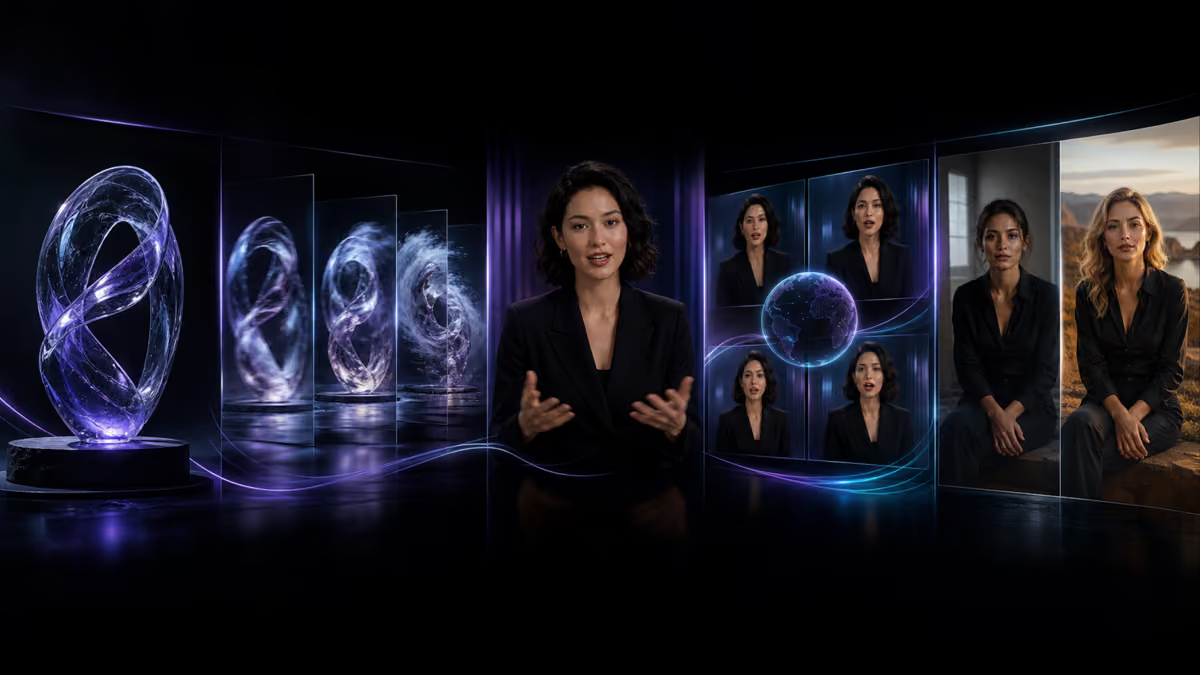
Most AI image generators redraw your character every time you hit generate. AKOOL locks the face, the outfit and the product across a set, so a campaign looks like one shoot instead of a dozen strangers.
Locked face
Consistent wardrobe
Product accuracy
Multi-image sets
Voice and lip sync
In-image text and editing

Perfect text and pixel-level editing

Render legible headlines, labels and packaging with GPT Image 2 and Recraft. Then edit without regenerating: brush over any area to swap objects, fix backgrounds or rewrite text, and the change blends into the surrounding light and texture.
Try in-image editing
Beyond generation

Upscale to 4K, then bring the image to life

This is the part single-model tools cannot do. Take a finished image further, then move it into motion.
4K Upscale
4K Upscale
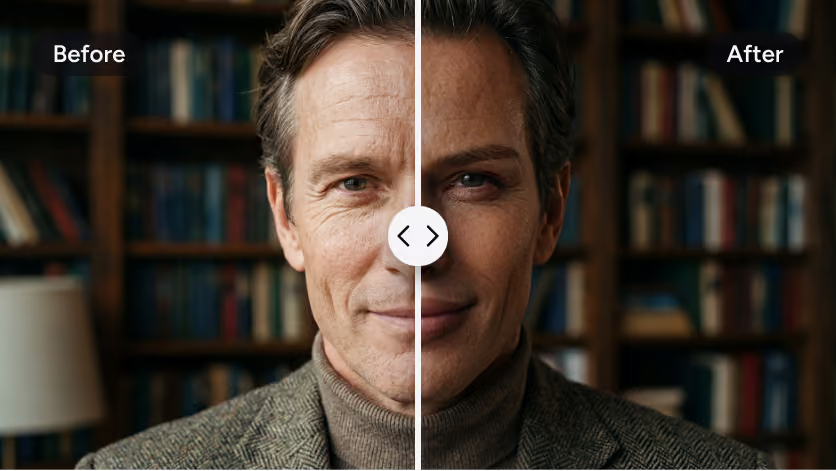
Enhance any image to crisp native 4K for print, billboards or merchandise.
Image to Video
Image to Video
Send the image into AKOOL's video engine and animate it with Sora, Veo or Kling.
Background Swap
Background Swap
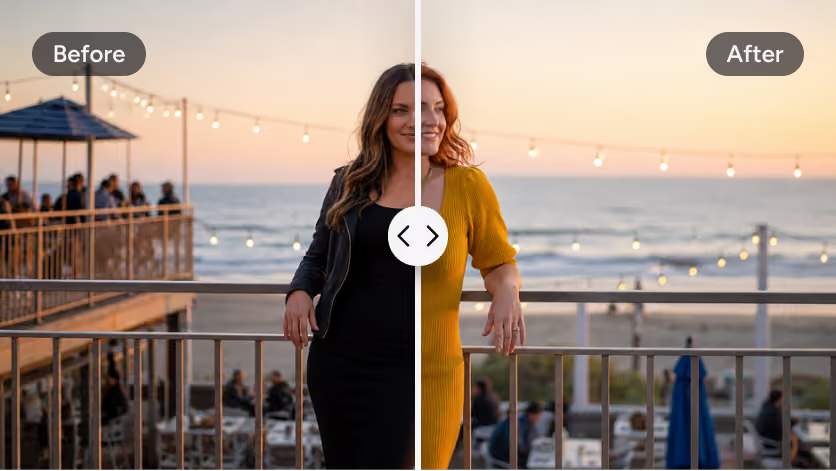
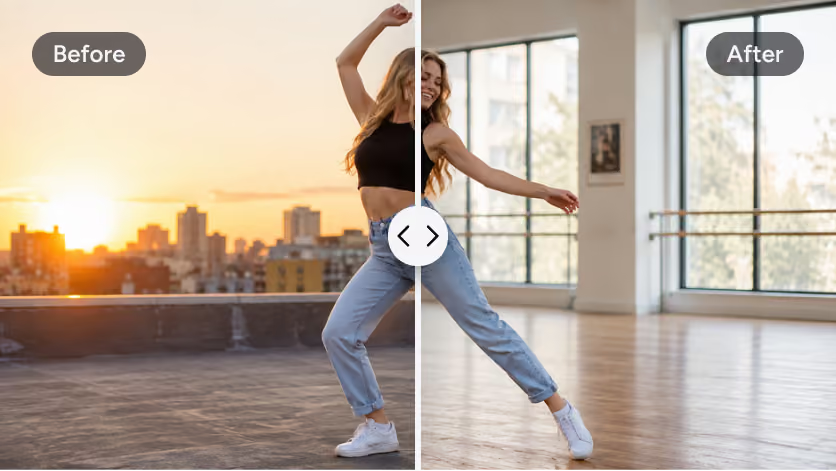
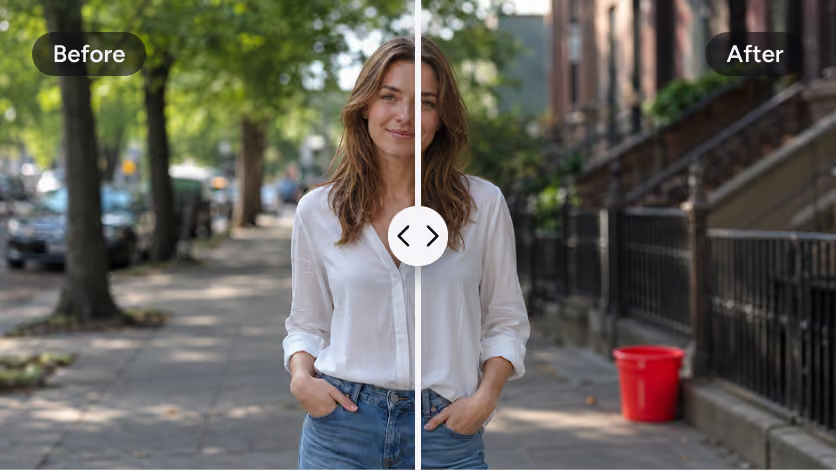
Move your subject to a new scene without a green screen or a reshoot.
Object Remove
Object Remove
Take out a logo, a bystander or a stray object and fill the gap cleanly.
Decision support

Compare AI image models

Specs move fast as models update. This table shows what is live on AKOOL right now, so you can pick on facts rather than marketing.
Model
Max Resolution
In-image Text
Editing
Best For
Nano Banana Pro
4K
Excellent
Inpaint
Faces, realism
Seedream 5.0
4K
Strong
Multi-reference
Product, infographics
Flux
4MP
Good
Image to image
Cinematic art
GPT Image 2
2K
Excellent
Layout
Posters, text
Recraft
Vector
Excellent
SVG edit
Logos, brand
Akool Image
4K
Good
Akool Edit
All-purpose
From first draft to scaled production

Built for the whole team

Marketing teams
Generate on-brand images with exact colours and text, one per channel and format.
E-commerce
Turn one product photo into a full set of studio shots without a studio.
Creators
Post daily visuals without a camera, a stock subscription or a designer on retainer.
Film and pre-production
Build concept art and storyboards with characters that stay consistent across frames.

Trusted by brands that ship at scale

Coca-Cola
Coca-Cola
Campaign visuals localised across markets without a reshoot for each one.
Qatar Airways
Qatar Airways
Brand imagery produced from a single master asset across languages.
Logitech
Logitech
Product visuals generated per SKU and per channel.
Canon
Canon
Event and showcase imagery created on demand at the booth.

Start building with AKOOL APIs today

One API call reaches every image model on this page. Generate images, edit, upscale and produce variations from inside your own product, with usage based pricing and SOC 2 controls.
Read the API docs

Pick your plan

Start free with no card. Every plan includes all image models.
Basic
Free!
Trying every model before you commit.
Start Free
All image models
Watermarked exports
Standard resolution
Community support
Starter Limited-Time Offer
$12
/seat /mo
Solo creators posting a few visuals a week.
Choose Starter
No watermark
4K upscale
Commercial licence
Prompt enhancer
Email support
Pro
$21 $30
/seat /mo
Marketers producing images across channels and formats.
Choose Pro
Character consistency
In-image editing
Brand kit
Batch generation
Priority queue
Business Most Popular
$174.3 $249
/seat /mo
Teams that need seats, controls and an SLA.
Choose Business
Team seats
SSO
API access
SOC 2 reporting
Dedicated support

FAQ

What is an AI image generator?

An AI image generator is a tool that creates an original image from a text prompt or a reference photo, without a camera or a designer. You describe what you want, choose a model, and it renders the image in seconds. Modern generators also edit, upscale and render readable text inside the image, so the output is a finished asset rather than a rough draft.

What is the best AI image generator?

There is no single best AI image generator, because each model is good at something different. Nano Banana Pro leads on faces and realism, Seedream on products and infographics, Flux on cinematic art, GPT Image 2 and Recraft on text and logos. The practical answer is to use a platform that gives you all of them, so you match the model to the job instead of paying for four subscriptions.

Is AKOOL's AI image generator free?

Yes. AKOOL has a free plan with no card required, and it includes access to every image model. Free exports are watermarked at standard resolution. Paid plans remove the watermark, unlock 4K upscaling, and add a commercial licence, character consistency and the in-image editing tools. That makes the free tier genuinely useful for testing before you commit.

Which AI image models can I use on AKOOL?

AKOOL runs every leading image model in one workspace, including Nano Banana Pro, Seedream 5.0, Flux, GPT Image 2, Recraft and Qwen Image, plus its own Akool Image model. New models are added as they release, on the same credits and inside the same projects, so you never have to move your work to test something new.

How do I make an AI image from a text prompt?

Pick a model, write a prompt describing the subject, style, lighting and mood, then generate. On AKOOL that takes four steps: choose your model, write the prompt or upload a reference, refine the style and aspect ratio, then upscale and export. A first image typically takes a few seconds.

Can I generate an image from a photo?

Yes. Upload any photo and AKOOL uses it to guide the result, a method called image to image. It is usually the most reliable way to keep a real product or person looking exactly like itself, because the model works from your actual asset rather than inventing one from a description alone.

Can I use AI generated images commercially?

Yes, on any paid AKOOL plan. Paid plans include a commercial licence covering ads, social posts, client work and product marketing. Free plan exports are watermarked and intended for testing rather than publishing. Content is moderated on generation, which is what makes the output safe to run as a brand campaign.

Can it render readable text inside images?

Yes. GPT Image 2 and Recraft are built for accurate, legible in-image text, so headlines, labels, packaging and logos come out spelled correctly. This is a problem most AI image generators still struggle with. On AKOOL you can pick one of these models specifically when the wording has to be right the first time.

Can I upscale images to 4K?

Yes. AKOOL includes AI upscaling that takes any generation up to native 4K, adding real detail rather than stretching pixels. That makes the output suitable for print, billboards, packaging and merchandise. Upscaling is available on paid plans, and it works on both AI generated images and photos you upload.

How is AKOOL different from other AI image generators?

Most tools give you either one model or a set of models with nothing around them. AKOOL gives you every top model plus the layer on top: in-image editing, character consistency across a set, 4K upscaling, and a direct path from image to video. That combination is why it is used for production campaigns rather than single images.

One connected creative stack

Explore more AI powered tools

Images are one part of it. The same workspace handles video, avatars, translation and face tools.