


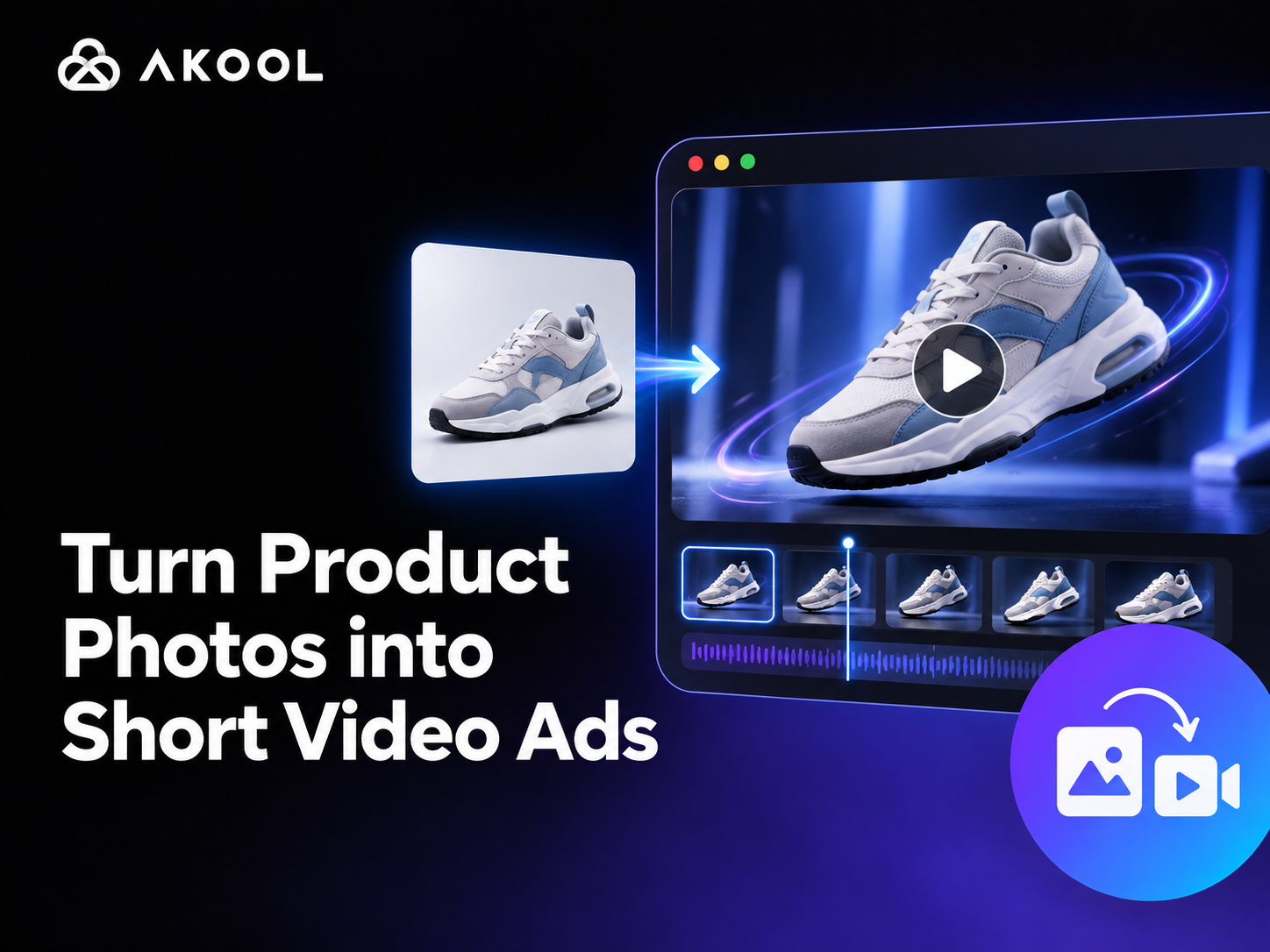
E-commerce teams already have product photos for listings, catalogs, and campaigns. With AKOOL Image to Video, those approved images can become short motion clips for paid social, product launches, marketplace promotions, and seasonal campaigns—without organizing a new shoot for every creative idea.
The objective is to create ad assets a team can compare, approve, and place—not movement for its own sake. Each variation should communicate one clear hook while keeping the product’s shape, color, packaging, offer, and selling details accurate.
Start with one approved product image, add one clear motion idea, and review the result against the real SKU before publishing.
What You Are Creating
Image to Video gives an approved product image controlled motion. In this workflow, each output is an ad variant built around a specific hook, audience stage, or placement. The finished clips should be easy to compare for product accuracy, motion quality, and practical ad usability.
Quick Start
1. Choose an Approved Product Photo
Use an approved, high-resolution product image that clearly represents the exact SKU, color, packaging, and included items promoted in the ad. Keep the live product page open as the factual reference. For detailed image-selection guidance, see AKOOL’s Image to Video AI for Product Visuals.
2. Open Image to Video
Sign in to AKOOL, open Image to Video, and upload the product photo. The current workflow supports one or multiple source images, depending on the selected experience. Follow the current upload panel for supported file types and limits; AKOOL’s Image to Video Help Center guide provides the latest Dashboard steps.
3. Choose a Generation Model
Select a model based on the type of motion, visual style, quality, and credit cost required by the campaign. Model availability and pricing can change, so use the information shown in the Dashboard. For the first test, choose a short, lower-cost draft before generating the final-quality version.
4. Write One Focused Motion Prompt
Give each draft one motion direction tied to an advertising goal, such as a reveal, detail emphasis, or lifestyle context. Keep the instruction short so the result is easy to compare. For detailed prompt guidance, use the existing product-visual workflow; this guide focuses on testing and approving ad assets.
5. Add Audio and Negative Prompts When Needed
Describe the desired sound in the prompt or upload audio when the selected workflow supports it. Use negative prompts to reduce unwanted changes—for example: “no distorted logo, no altered text, no extra accessories, no warped packaging, no blur, no camera shake.” The Help Center specifically recommends clear negative instructions such as no glitch, blur, distortion, or extra limbs.
6. Select Quality and Generate
Generate a short draft before producing multiple high-quality variations. Change only one creative variable at a time—such as the hook, camera movement, or pacing—so the team can identify which version is more usable as an ad.
7. Verify Product Accuracy
Generative motion can produce a polished result while changing an important product detail. Compare the first frame, strongest-motion frame, and final frame with the approved product image and product page.
- Logo, label, shape, color, material, and packaging remain accurate
- No accessory, component, or bundle item has been added or removed
- Reflective surfaces, ports, controls, patterns, and small details remain believable
- The video does not imply a feature, performance claim, or included item that the product does not have
8. Finish the Ad for Its Placement
Download the approved motion clip and add the campaign hook, offer, captions, brand elements, and CTA in your normal editing workflow. If you want to continue inside AKOOL, the AI Video Editor supports text overlays, captions, transitions, background changes, preview, and export.
Keep important copy inside the platform’s safe area, verify the final aspect ratio, and review the ad on a phone before publishing. For additional campaign ideas, see AKOOL’s guide to creating ads with AI video.
Test Three Ad Hooks From One Product Photo
Product photo:
![The image shows a product photo used to test ad hooks. It features a wooden tray with three lit candles of different sizes, a white vase containing dried flowers and leaves, and two pinecones. The context mentions using this product photo to test three ad hooks: the product-first hook with video [1.mp4] and the detail hook with video [2.mp4].](https://cdn.prod.website-files.com/68871ce93a61df0ef3020a7e/6ac8492adccd51aa27b0f192_product-hook-source.jpg)
Product-first hook:
Detail hook:
Lifestyle hook:
On Product Accuracy, all three clips keep the round tray, dark wood finish, raised rim, candles, vase, and pinecones recognizable without changing the core SKU. For Motion Quality, the product-first hook is the most controlled: two hands place the full arrangement naturally while the tray remains stable. The detail hook uses a subtle hand movement to emphasize the rim, wood grain, and scale, although the hand briefly competes with the product. The lifestyle hook adds the most dynamic action by lighting the candles; the flame and hand movement create a convincing moment of use while preserving the arrangement. For Ad Usability, the product-first version communicates fastest, keeps the product dominant, and leaves useful space above it for a headline or offer, making it strongest for prospecting or a product launch. The detail version is better for consideration ads or PDP media focused on craftsmanship. The lifestyle version delivers the strongest emotional payoff but shifts attention toward atmosphere, so it fits seasonal, retargeting, or lifestyle placements best.
Build a Small Ad Creative Set
One source image can support several distinct assets without turning every variation into a completely different concept. A practical first set includes:
- A product-reveal clip for launch and prospecting
- A detail clip for consideration, focused on material, packaging, or a key feature
- A clean loop for retargeting and product-page media
- A seasonal variation for campaign refreshes using approved styling
Keep the product motion consistent with the intended message. A slow rotation supports a premium pack shot; a macro push-in supports craftsmanship or texture; restrained lifestyle movement keeps attention on the item rather than the effect.
Recommended Workflow by Product Type
Pre-Publish Ad Check
Approve the export only after checking it against the live offer and destination page.
☐ The SKU, color, packaging, and included items match the product page.
☐ The price, promotion, and offer terms are current and supported.
☐ The CTA matches the landing page action.
☐ Captions and key copy stay inside the placement-safe area.
☐ The aspect ratio matches the ad placement.
☐ A mobile preview confirms legibility and product visibility.
☐ The video and landing page or PDP present the same product and claims.
Use Cases
Paid social. Test product-led hooks and motion treatments.
Product launches. Create teasers and concise feature reveals.
Product pages. Highlight shape, material, packaging, or details.
Seasonal campaigns. Refresh approved assets with campaign styling.
Frequently Asked Questions
Can I Turn One Product Photo Into Multiple Video Ads?
Yes. Generate separate reveal, detail, loop, lifestyle, or seasonal versions from one approved image. Keep each test focused on one creative variable, label the source and prompt, and compare performance by placement rather than treating every variation as interchangeable.
How Do I Keep Products Accurate in AI-Generated Videos?
Compare the first frame, strongest-motion frame, and final frame with the approved SKU and product page. Check the logo, color, shape, material, packaging, accessories, labels, and claims. Reject any clip that changes what the customer will receive.
What Product Photos Work Best for Image-to-Video Ads?
Use a sharp, well-lit image with a clear focal product and enough space for controlled motion. The source should show the correct SKU and avoid hard crops or unreadable labels. Use separate source images for different colors, packages, or variants.
How Long Should an E-Commerce Video Ad Be?
Use the shortest duration that communicates the hook, product, offer, and CTA clearly. Match the final length to the placement requirements, then review pacing on a phone. A short draft is usually the best starting point before producing more variations.
Resources
- AKOOL Image to Video
- How to Use Image to Video
- Image to Video AI for Product Visuals
- Creating High-Performance Ads with AI Video
- How to Use the AI Video Editor


